
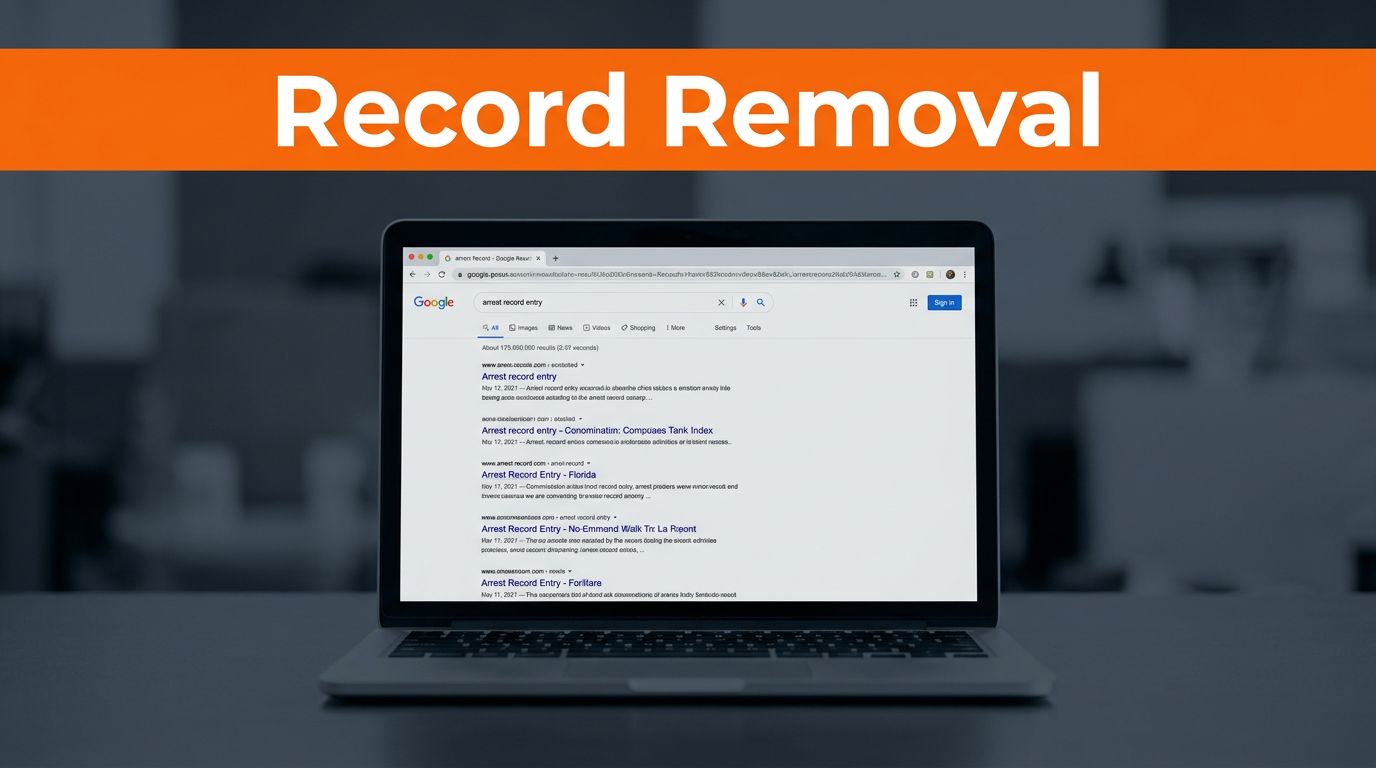

Seeing an old arrest result when someone searches your name can feel like the internet froze your worst day in place. If you’re trying to remove arrest records Google still shows, the hard truth is this: Google usually isn’t the owner of that content.
That matters because real removal often starts somewhere else, with the court, the publisher, or the data broker that posted it. Once you know which piece you’re dealing with, the path gets clearer.
Know what Google is showing before you try to remove it
Google is an index, not the filing cabinet. It points people to pages hosted by other sites, so the first step is to identify the source and the type of record.
This quick breakdown helps:
| Item | What it is | Who usually controls it |
|---|---|---|
| Arrest record | A police or law enforcement record of an arrest | Agency, court, or republisher |
| Court record | Docket, filing, or case outcome | Court system, legal database, republisher |
| Mugshot | Booking photo tied to an arrest | Jail, police site, mugshot site, republisher |
| Booking information | Charge, date, jail entry, release details | Jail, sheriff, arrest-log site |
| Background-check entry | Data sold or shown by screening or people-search sites | Private database company |
A lot of confusion starts here. An arrest record is not the same as a court record. A mugshot is an image, not the full file. A background-check database entry may keep circulating even after a court clears the case.
Google can hide a result, but only the source site can truly delete most arrest-related content.
That is why Google’s own tools work best after the original page changes. If a page gets deleted, blocked with noindex, or returns a 404 or 410 response, Google often drops it after a new crawl. A recent guide to Google’s removal tools explains this source-first rule well.
Also, be realistic about what Google will not do. In the U.S., there is still no broad “right to be forgotten” for truthful public arrest or court records in 2026. If you live outside the U.S., local privacy laws may be stronger, so country-specific advice matters. If the main issue is a booking photo, this guide on how to remove mugshots from Google can help you separate image removal from web-page removal.
Follow the removal path that works in 2026
Laws and procedures vary by state and country, and this is informational content, not legal advice. Still, the same order of operations helps in most cases.
- Document every result first. Search your name, save screenshots, copy the URLs, and note whether the result is a web page, image result, cached page, or court listing.
- Fix the source when you can. If your case was dismissed, sealed, or expunged, get the court order. In 2026, some states expanded Clean Slate or automatic clearing for certain cases, while others still require a petition. Virginia and Maryland, for example, have newer automatic or expanded clearing rules for some records. That does not erase every copy online, but it gives you proof.
- Contact the site that hosts the content. Mugshot sites, arrest-log sites, and legal directories often have their own removal forms. Send clear proof, stay factual, and keep copies of every request. If a site asks for money to remove a mugshot, be cautious. Some states now restrict pay-for-removal practices.
- Use Google’s tools after the source changes. If the page is gone but still shows in search, use Google’s outdated content removal process. If the page violates law or a legal order, use Google’s legal removal request. The “Results About You” tool can help with some personal information, but it usually does not remove lawful public arrest pages on its own. This overview of negative content removal gives a solid summary of those limits.
- Check court and database copies separately. If a court docket still appears, the court may need to seal, redact, or update the file first. If the result comes from a legal database, you may need a different approach to remove court records from search. If a people-search or background-check site has stale data, dispute it directly with that company too.
Don’t use fake takedown notices, false DMCA claims, or made-up legal threats. Those tactics can fail fast and create bigger problems.
If removal stalls, reduce visibility without crossing lines
Sometimes the source won’t cooperate. Sometimes a lawful public record stays online even after the case ends. When that happens, the next goal is reduced visibility, not fantasy promises.
That is where reputation management and online reputation management come in. A good plan strengthens the pages you control so one old result has less power. This can include a personal site, updated professional bios, press-worthy achievements, authoritative directory profiles, and accurate social profiles. That work is often called online reputation repair.
If you hire help, ask blunt questions. A credible reputation management company or Reputation Repair Company should explain the difference between source removal, Google deindexing, and suppression. Better online reputation management companies won’t promise guaranteed deletion of truthful public records. A trustworthy Online Reputation Expert should also explain timelines, risks, and what happens if the source page never comes down.
For people dealing with a lasting personal issue, personal reputation repair services may make sense after legal and direct-removal steps are underway. The right Reputation Repair Services focus on accurate information, ethical outreach, and long-term visibility improvements, not tricks.
Old arrest results can shape first impressions in seconds. But they don’t have to define your name forever. The strongest fix usually starts away from Google, with the source page, the court, or the database that published the record.
Work in order, keep records of every request, and stay patient. Source removal is the real win, Google cleanup is the next step, and smart suppression can help when full deletion isn’t possible.