
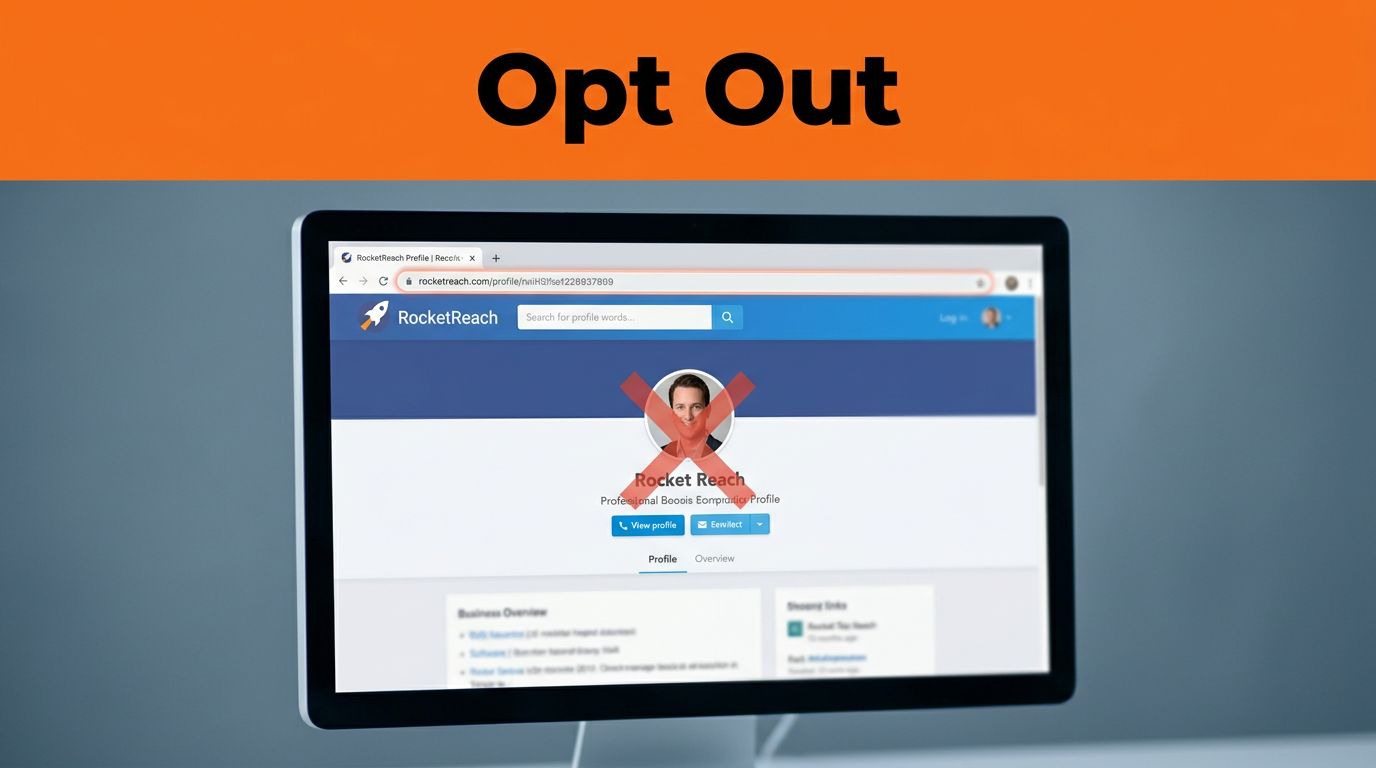

Finding your name, title, or work email on RocketReach can feel a little too public. The good news is that RocketReach has a removal path, and it still works as of now if you follow the right steps.
The catch is simple. You need the exact profile URL, a working email address, and a little patience while the listing clears from RocketReach and search caches. If the page layout looks a bit different than expected, the process still follows the same basic pattern.
Start With RocketReach’s Current Removal Path
RocketReach currently points users toward a removal flow that starts with its official remove profile page. In some cases, the site may route you through a claim-style verification step first, so don’t worry if the wording changes slightly.
The important part is to work from the live profile, not from memory. Copy the exact listing URL, because RocketReach uses that link to find the record tied to your request.
Save the exact profile URL before you submit anything. A wrong link can slow the request or send you back to search again.
Follow the Removal Steps Carefully
Use this process if you want the cleanest RocketReach opt out:
- Find your listing. Search your name, company, and job title on RocketReach. Open the profile that matches you and copy the full URL from the browser bar.
- Open the removal form. Start with the official removal page. If RocketReach redirects you to a claim or verification flow, keep going. The labels can change, but the goal stays the same, confirm the record and request deletion.
- Enter your details exactly. Add your full name, company name, email address, and the copied profile URL. Use an inbox you can access right away, because RocketReach may send a confirmation message there.
- Check your email and verify. Look for a RocketReach message and click the verification or claim button. Check spam and promotions if it does not land in your inbox quickly.
- Finish the removal request. Once the record is verified, choose the option that removes the profile. If RocketReach asks for a reason, keep it short and direct. Save the confirmation page or screenshot before you close the tab.
If the screen text shifts, look for terms like “remove,” “claim,” “profile,” or “privacy request.” The button names may change, but the workflow usually does not.
If RocketReach Doesn’t Reply
Some requests go through fast. Others stall because the email never arrives or the profile link was copied wrong. If that happens, resend the request with the exact URL and try a different inbox if needed.
You can also email privacy@rocketreach.co with your full name, job title, company, and the profile URL. Keep the message short and specific. That makes it easier for a privacy team to match your request to the right record.
A duplicate listing can also slow things down. If you find more than one RocketReach page with your details, send each URL in the same message or submit each request separately. That saves time later.
What Happens After the Listing Disappears
RocketReach may remove the profile before search engines stop showing the old snippet. That lag is normal. In many cases, the site update is faster than the search index update, so you may still see the page for a while.
The full process can take a few weeks. That gives RocketReach time to process the request and gives search caches time to refresh. If you still see the profile after that, check whether you missed a second listing or used the wrong URL.
One removed profile does not prove the whole cleanup is done. The same data can live on other sites.
Clean Up the Rest of Your Online Footprint
RocketReach is only one source. Other people-search and data broker sites may still publish the same phone number, home address, or job history. For that reason, broader cleanup matters just as much as one opt-out request.
General guides like Norton’s removal instructions and Keeper Security’s opt-out checklist show the same pattern, each site uses its own form and verification step. If you want to keep moving, start with a people-search opt-out guide and work through the worst offenders one by one.
That kind of work is part of broader online reputation management. A reputation management company or an Online Reputation Expert can help with online reputation repair when your details appear on several sites. Some online reputation management companies package that work as Reputation Repair Services, and a Reputation Repair Company can handle repeated removals and follow-up. For stubborn pages or mirrored content, the internet content removal guide explains when direct removal, suppression, or escalation makes more sense.
Conclusion
A RocketReach opt out is manageable when you use the exact profile URL, verify the request, and save proof of the confirmation. The process is usually straightforward, but the cleanup does not end with one site.
If your data appears in search results or on other broker pages, keep going. A clean RocketReach record is a good start, and the bigger privacy win comes from removing the rest of the trail too.