
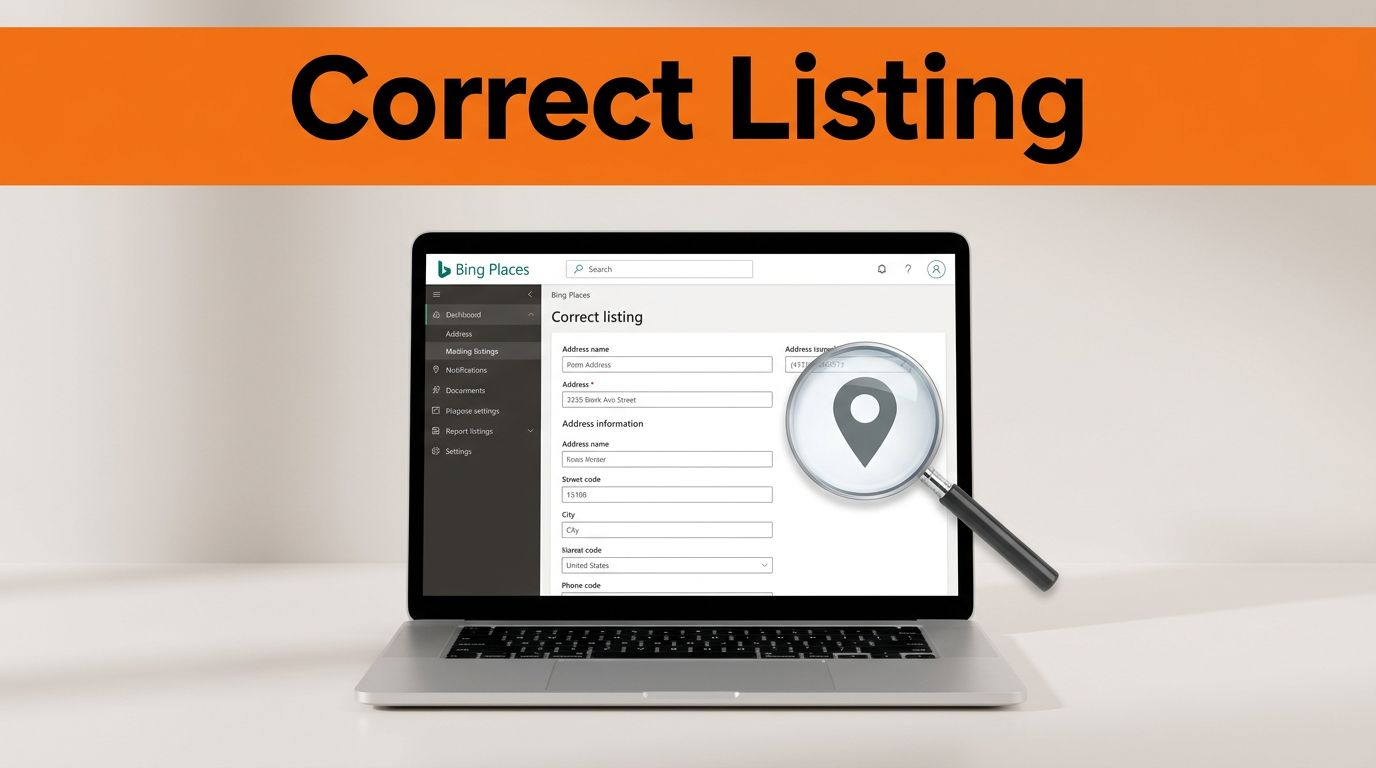

Wrong hours, a bad phone number, or an old address on Bing Places for Business can cost calls fast. It can also spread across Bing Search, Bing Maps, Microsoft Copilot, and local search results that appear in Edge.
The fix is usually simple, but only if you claim your business listing, verify ownership, and line up your business details everywhere else online. Start with the source of the error, then correct it in the right order.
Key Takeaways
- Claim and verify your Bing Places for Business listing first to gain control, then edit details like address, phone, hours, and category to match your website exactly.
- Inconsistent data across websites, directories, and citations causes overwrites or rejections—update all sources simultaneously for Bing to trust your changes.
- Wrong information spreads to Bing Search, Maps, Copilot, and AI results, hurting trust, calls, visibility, and local SEO; treat listings as live assets.
- Monitor the dashboard for status, expect moderation delays, and troubleshoot common issues like cache lag or verification snags with support if needed.
- Consistency is key: clean data everywhere prevents problems and ensures updates stick across Microsoft surfaces.
Why Bing Places information goes wrong, and why it matters
Most bad Bing listings are not random. They usually come from an unclaimed profile, stale third-party data, a move, a phone change, or conflicting business details across the web.
For example, your website may show one phone number while a directory still shows another. Bing may pull old data into the listing, or your edits may get overwritten later. Brands managing multiple locations and franchises see this often because local pages, store locators, and outside citations do not always match. Third-party reviews and citations also feed into the Bing ranking algorithm.
Microsoft’s own business listing help page makes clear that changes should go through Bing Places for Business. Recent coverage on Bing business listings also points out that Bing data matters more now because Microsoft is using it across more local and AI-driven experiences, with Bing Places for Business as the key tool for updates.
That matters for more than traffic. Wrong listing data affects trust and visibility in AI platforms like ChatGPT and Microsoft Copilot. A customer who drives to the wrong suite or calls a dead number may assume your business is closed. At that point, the problem touches customer service, local SEO, and even reputation management.
Microsoft also refreshed Bing Places in late 2025, which shows the platform is still active and worth maintaining. If you need to fix Bing Places information, treat it like a live business asset, not a set-it-and-forget-it profile. Local SEO is dependent on accurate profiles.
How to fix wrong information on Bing Places, step by step
The safest path is to claim business details first, then edit the listing, and finally verify your listing.
- Sign in with a Microsoft account and search for your business.
Search by business name, phone number, or postcode. If the listing already exists, claim it. If not, create a new profile. - Edit your listing to update business information.
Update your business name, street address, local phone number, website, hours, category, and map pin within the appropriate business categories. Use your real physical address, because Bing does not allow PO boxes for location data. - Check for accuracy before you submit.
Make sure the name, address, and phone number match your website exactly. Also review photos, service areas, and business description if those fields appear in your account. - Verify ownership.
Bing may offer verification by mail, through the Bing Places app, or by sync with Google from Google Business Profile. App-based verification may finalize faster, while mailed verification PINs usually take longer. - Wait for moderation and publishing.
Some changes show up quickly in the dashboard but take longer in search results. Address edits, ownership changes, and sensitive fields often need more review time. - Update your other citations at the same time.
Fix your contact page, schema, social profiles, and major directories. When your business data conflicts elsewhere, Bing may hesitate or later revert to older details.
Claimed does not mean published. Verification proves ownership, but Bing can still review edits before they appear in search.
A common snag happens when the wrong phone or address prevents verification. That problem appears in Microsoft Q&A discussions about how to fix Bing Places information, and it usually means you need to claim the listing first, then work through the available verification path instead of relying on the bad public data.
What to do if Bing rejects or overwrites your changes
When an edit does not stick, the cause is usually easier to find than people expect.
This quick table covers the usual trouble spots:
| Problem | Likely cause | Best next move |
|---|---|---|
| Edit stays pending | Review delay | Wait, then recheck the live result and Bing Places dashboard |
| Data changes back | Conflicting citations or sync function failure | Match your website and key directories; check the sync function |
| Verification fails | Wrong public phone or address | Use another offered method, then contact support if needed |
| Search shows old info | Cache lag or duplicate listing | Give it time and look for another live profile |
| Grayed out fields | Permissions or verification status | Contact support via partneronbp@microsoft.com if they persist |
The main takeaway is simple: Bing trusts consistent data. When one source says “Suite 200” and another says “Ste 220,” you create doubt.
For service area businesses, you can hide address in the Bing Places dashboard to comply with Bing Webmaster Guidelines.
There is also a difference between the Bing Places dashboard and the live search result. A verified update can still take time to surface publicly, as shown in this Microsoft Q&A thread on verified updates not appearing in search. That delay is frustrating, but it does not always mean the edit failed. Always double-check the Bing Places dashboard for status updates.
When wrong listing data starts harming calls, reviews, or search visibility, the job moves beyond basic cleanup. That is where online reputation management connects with local listings. A business may need online reputation repair, stronger review response, or broader search cleanup. In those cases, an online reputation repair guide can help frame the next steps.
Some brands bring in a reputation management company, compare online reputation management companies, or ask an Online Reputation Expert to audit the full footprint. A Reputation Repair Company may also provide reputation repair services when the bad data has already hurt trust across search results and reviews. If you manage listings at scale, advanced options like bulk upload or API access can streamline the process.
A Bing listing may look like one small profile, but it can shape what customers see across Microsoft surfaces. The fastest fix is usually consistency: claim the listing, verify it, correct the details, and make your website and citations match.
That work is not glamorous, but it is the part that sticks. When your data is clean everywhere, Bing has fewer reasons to reject, ignore, or overwrite your changes.
Frequently Asked Questions
How do I start fixing wrong information on my Bing Places listing?
Sign in with a Microsoft account, search for your business by name, phone, or postcode, and claim the existing listing or create a new one. Then edit details like address, phone, hours, and category, ensuring they match your website. Verify ownership via mail, app, or Google sync, and wait for moderation.
Why do my Bing Places edits get overwritten or rejected?
Bing prioritizes consistent data; conflicting info from websites, directories, or citations causes overwrites. Update your contact page, schema, social profiles, and major directories at the same time. Check the dashboard and live search results after waiting for review.
How long does it take for changes to appear in search results?
Dashboard updates may show quickly, but search results can lag due to moderation, especially for addresses or ownership. Cache delays or duplicates can add time—give it days to weeks. Always verify status in the Bing Places dashboard.
What if verification fails on Bing Places?
Use an alternative method like mail PIN, app, or Google sync if phone/address issues block it. Claim the listing first to unlock options, then contact support at partneronbp@microsoft.com if problems persist. Conflicting public data often causes this snag.
Does Bing Places affect other Microsoft products and AI?
Yes, listings feed Bing Search, Maps, Edge results, Microsoft Copilot, and AI experiences. Wrong data impacts visibility and trust there too. Recent Bing Places refresh in late 2025 underscores its growing role in local and AI-driven search.