
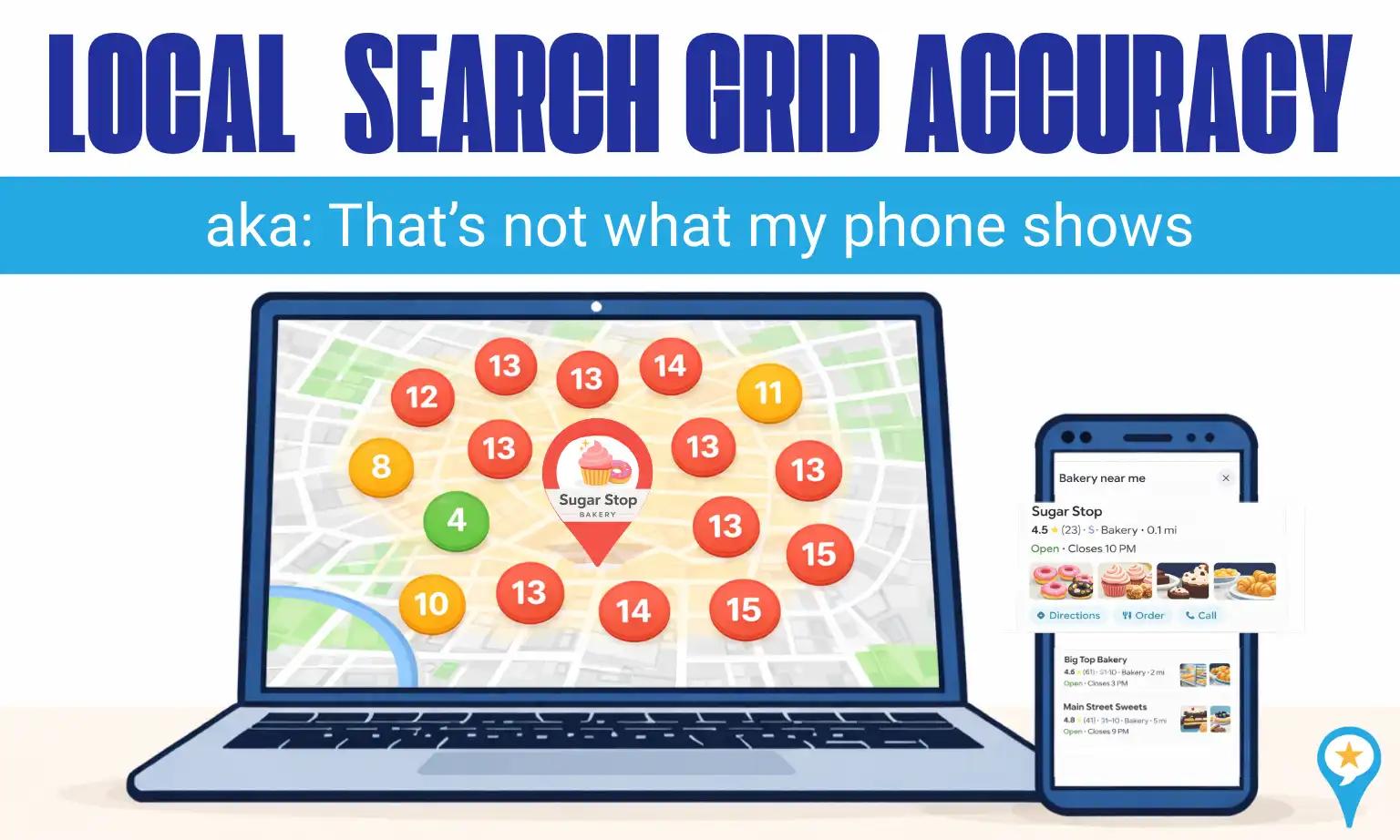

When a grid report looks inconsistent with what someone sees on their phone, they often question Local Search Grid accuracy, but user-centricity is usually the cause.
Google personalizes results using behavior signals, location data, device type, and past interactions, which means no two users necessarily see the same map pack.
Here is how user-centricity can make your report appear inaccurate:
1. The “Clean Slate” Bias:
Local search grid tools run searches in a neutral, logged-out environment to create a baseline. Real users, however, are usually logged in. Google uses saved Home and Work locations as anchors, often boosting businesses near those spots, which doesn’t affect a grid report.
2. The Loyalty Effect:
Google favors businesses that a user has interacted with before. If an owner or loyal customer checks rankings, Google may boost that listing because of past clicks or visits. A grid tool has no history, so it shows what a brand-new customer would see.
3. Device-Specific Weighting:
A grid report is a simulation. Someone searching on a desktop at work may see different results than a person walking past your storefront on their phone. Factors like cellular signal strength, GPS precision, and even whether the user is moving can cause live results to shift.
Grid reports provide a clean, level baseline. Real-world searches are influenced by the device in the user’s hand.
4. Search History Carryover:
Google doesn’t treat searches as one-time events. If someone searches “emergency plumber,” their next search for “plumber” may still favor emergency services. Grid tools run isolated searches, so they don’t capture this search journey, which can make results look inconsistent.
5. Open vs. Closed Status:
Google prioritizes open businesses. If a grid runs at midnight but someone checks rankings at 10 AM, differences may simply reflect real-time business hours, not inaccurate data.
The bottom line: The grid shows geographic potential. User-centric behavior shapes what individuals actually see.